
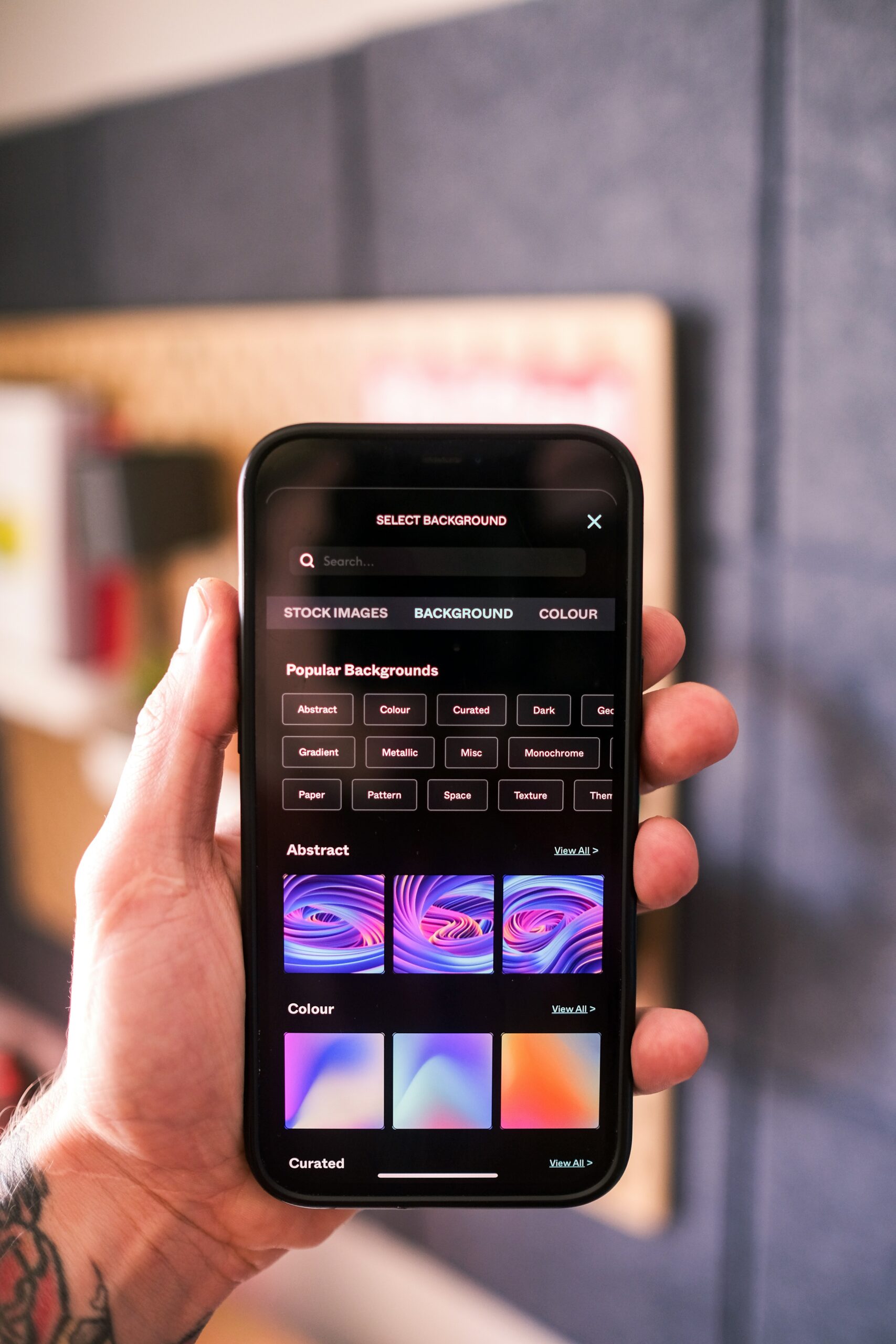
Would you develop an app if you didn’t have to write code or hire someone who did? Many dreamers are stuck here, lacking in-depth coding expertise and the funds to hire a good engineer.
Enter Tappable, an automated software builder that helps you make your own app without coding.
Tappable is a “no code” app builder that enables users to create responsive and interactive web pages for mobile apps without having to write multiple lines of code. Hans Pauwels founded it as a web-based content management system (CMS) for marketing.
If you’re not familiar with web stories, they are simply the web-based version of social media stories. You know how you use your phone to create videos for Snapchat or Instagram before uploading them to the app’s story feature? Web Stories do just that, but on the web rather than on a mobile device. But there was a catch. If you wanted to make web stories, you had to be a programmer, and not a lot of people were.
Tappable was founded in 2017, and it allows anyone to create and publish stories without the need for programming skills. All you have to do is use the Tappable website. Instead of using Python or Java, Tappable users interact with visual blocks, templates, and configuration tools. This simply means that anyone with an idea can begin building it without first consulting with a developer.
Tappable expanded access from developers to the general public, allowing you to create your own app without having to code.
The first thing a lot of people notice when they make use of Tappable is how simple it is. There’s no code editor. No error messages. No technical jargon asking you to configure things you have no idea about. What you have to work with is a canvas and some components.
Tappable’s main theme is turning app development into a visual process. Instead of turning its users’ ideas into code, the ideas are directly turned into screens, actions, and flows. The system takes care of the complexity and offers you simplicity.
Tappable starts where most app ideas actually begin: with screens.
Some of the features are things some users are already familiar with. Pages are created in the same way they would sketch wireframes. Certain details are then visually added like buttons, text fields, images, lists, and navigation elements. In addition to this, layouts are also adjusted using drag-and-drop controls instead of written instructions.
This is particularly useful because the first challenge in creating apps is usually the design. Tappable handles this problem by allowing users to see the product take shape instantly instead of leaving it to the user’s imagination.
Apps aren’t just screens. They respond to interactions. When it comes to the traditional way of developing apps, interactions are done through code. In Tappable, things are interactions are done through logic flows; which is the sensible order of steps or ideas. When the user clicks on a button, they can decide what happens next: opening a page, closing one, submitting data, updating content, etc.
What Tappable does is that it processes your choices on how you want your app to appear like. And when your instructions have been carried out by the system, your app begins to take shape without a single line of code.
Apps depend on data for a lot of things: user inputs, saved information, and content updates. Managing databases is one of the hardest parts of development.
Does Tappable face this challenge as well? It doesn’t because it simplifies the load by making sure that data storage and structure are handled automatically. Users decide on what kind of data they want to access and Tappable manages how it’s stored and retrieved.
It doesn’t have a server setup somewhere or any backend configuration. The platform simply takes care of the infrastructure and allows users to focus on the outcome. This is one of the reasons people can make their own apps without coding.
One of Tappable’s most practical features is speed. Users can preview how the app they’re working on will look as they continue to build. The changes appear in real time, buttons respond to commands, and errors show through visual feedback instead of technical logs.
This encourages readers to try new ideas, see what the results look like, make the necessary corrections, and repeat until they get the desired results.
Once an app is complete, Tappable handles the technical steps required before it becomes ready for use. The user doesn’t need to understand the complex processes, app stores, or system requirements because the platform has already taken care of that.
This doesn’t mean that the complexity no longer exists; it means that it’s no longer visible.
Tappable aligns with how work now happens. Teams are less packed. Timelines are shorter. Experimentation is constant. Not every idea needs to undergo technical testing to prove its value. By letting non-technical users have access to build functional apps, Tappable reduces dependency on a limited number of professionals that results in delays. Product managers, founders, and creators can proceed with designs without waiting for their own turns.
While developers can focus on complex systems that truly require their deep knowledge of engineering.
No-code platforms eliminate potential issues from the earliest stages, where speed matters more.
The no-code platforms coming into the software ecosystem mean that software creation is expanding. This does not signal the end of coding. Their jobs and skill sets are still intact.
While engineers continue to build complex systems, infrastructure, and scalable products, the surface layers, like prototypes, internal tools, and niche apps, are mostly being built by non-engineers.
Tappable is important for structural reasons as well as technical ones. If knowledge and creation tools are restricted to experts, innovation decreases annually and no one benefits. When tools are available, more ideas are generated and innovation rises.
Allowing more people to build apps without having to code means more local solutions and niche products. And this is how communities grow—not through single breakthroughs, but through thousands of small, easily accessible innovations.
Tappable was developed to help users create apps more easily and affordably. By lowering barriers and giving anyone who wants to work in software development access, they made it easier for the average person to create content by facilitating faster experimentation, more extensive innovation, and more useful digital tools.
The future of app development is not engineer-only or no-code-only. It’s collaborative.
And, with Tappable leading the charge, building software is becoming a shared privilege rather than a specialized one.